Keep the counter moving
Build dine-in, takeaway and delivery orders from one POS, with dish options and quantities clearly recorded.

Restaurant billing software for dine-in, takeaway and delivery. Manage GST invoices, offline billing, tables and kitchen order tickets from one POS.
Setup, staff training and 24×7 support included.
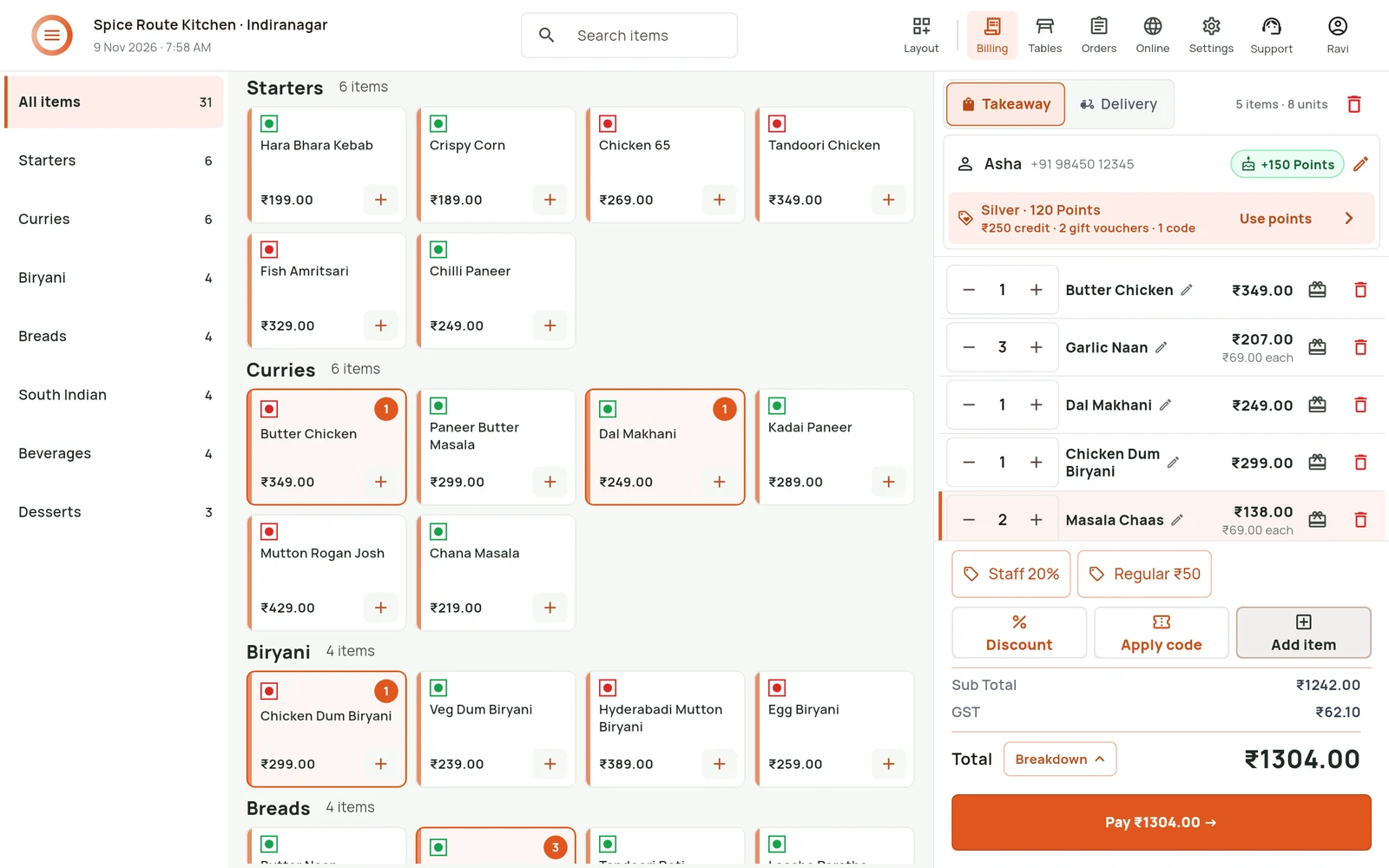
Build dine-in, takeaway and delivery orders from one POS, with dish options and quantities clearly recorded.
Desktop offline billing helps your team continue service when the internet drops. Online orders and cloud updates need a connection.
Send kitchen order tickets from the sale, so preparation starts with the same order your team has taken.
One connected workflow for the people running your restaurant.
Select dishes, quantities and modifiers for the guest.
Assign dine-in, collection or delivery and pass the order to the kitchen.
Complete payment and issue the bill with your configured tax details.
Yes. The desktop POS supports offline billing. Internet-dependent features, including online orders and cloud updates, need a connection.
Yes. Configure your business and tax details for GST invoices. We review invoice requirements during setup; confirm the appropriate tax treatment with your accountant.
Share your computer, operating system and printer details with us. We’ll check compatibility before agreeing your setup and any additional hardware.
Yes. Setup and on-site staff training are included, with 24×7 support for day-to-day questions.
Organise reservations, floor plans, and table availability so the front-of-house team can focus on welcoming guests.
Explore productSend restaurant orders from the POS to the kitchen. Track new, cooking and ready tickets with OrdrCiti kitchen display and KOT software.
Explore productTrack restaurant ingredients, connect recipes to menu sales, record wastage and manage stock counts with OrdrCiti inventory software.
Explore productA personal walkthrough. Your questions, answered.